The strongest free local ai text to speech options are Kokoro-82M, Piper, Coqui XTTS-v2, Chatterbox, eSpeak NG and MeloTTS; Kokoro and Piper run on CPU-class hardware, while XTTS-v2 and Chatterbox want a GPU.
How we compared
Local means the weights sit on your own disk and the audio never leaves the machine. That rules out free tiers of hosted APIs, which vanish the moment a vendor reshuffles plans. Six engines made this list because each one ships downloadable weights or binaries and documents its own hardware target.
The axes, applied identically to every candidate:
- License — the weights, the inference code, and any dependency that carries its own terms.
- Hardware floor — the cheapest machine the project itself claims to support.
- Language coverage — what the official docs list, not what community forks promise.
- Voice control — fixed voice packs, style controls, or zero-shot cloning from a reference clip.
- Install path — pip package, prebuilt binary, or system package manager.
- Cost per rendered minute — the only money unit that compares fairly here.
On that last axis, every engine costs nothing to license, so listing price plans would tell you nothing. Convert to what you actually spend: a CPU-only model renders a minute of narration for a sliver of electricity, a GPU model on a rented cloud card bills you in GPU-hours, and both cost engineer time on day one. Budget half a day for the first install plus a voice test, and treat that half-day as the real price.
NVIDIA publishes an ONNX-optimized build of Kokoro-82M on Hugging Face under the Apache 2.0 license, which matters if your deployment target is an ONNX Runtime service rather than a Python process.
What we checked, and what we could not
Checked: official model cards, project READMEs and maintainer-published documentation, read in October 2026, for license terms, stated hardware targets and documented language lists. Not checked: listening quality, real-time factor on your specific CPU, stability across hour-long scripts, or whether a voice clears a client’s accent bar. Nothing here was benchmarked on hardware by this editorial team.
If audio quality decides the project, render the same 150-word script through two candidates and listen on the speakers your audience actually uses. The failure mode is rarely the model alone — the causes behind flat, robotic-sounding AI dubs usually involve pacing and mix as much as the synthesizer.
| Engine | License to read | Hardware floor | Language coverage | Voice control |
|---|---|---|---|---|
| Kokoro-82M | Apache 2.0 weights, MIT code, GPLv3 espeak-ng dependency | CPU-class hardware | English-first voice packs | Fixed voice packs |
| Piper | piper1-gpl repo terms | Raspberry Pi 4 class board | Many community voice packs | One model per voice |
| Coqui XTTS-v2 | Check the model card before commercial use | Consumer GPU recommended | 17 languages per Coqui docs | Zero-shot cloning |
| Chatterbox | Check the model card before commercial use | Consumer GPU recommended | English-focused | Cloning plus expressiveness control |
| eSpeak NG | GPLv3 | Any CPU, microcontroller-small | Very wide, including rare languages | Formant parameters only |
| MeloTTS | Check the repo license | CPU, real-time capable | Multilingual, including Chinese | Fixed speakers per language |
1. Kokoro-82M
Kokoro is the default starting point for English narration on hardware you already own. Kokoro is an open-weight local TTS model with just 82 million parameters, small enough to run on CPU-class hardware, according to the hexgrad/Kokoro-82M model card on Hugging Face. A model that size loads in seconds and leaves room for your editor, browser and render queue to stay open.
The archived Kokoro-82M README on Hugging Face states that the v0.19 weights were released on 25 December 2024 in full fp32 precision under an Apache 2.0 license. Apache 2.0 on the weights is the part procurement teams care about, because it removes the usual "can we ship this" argument.
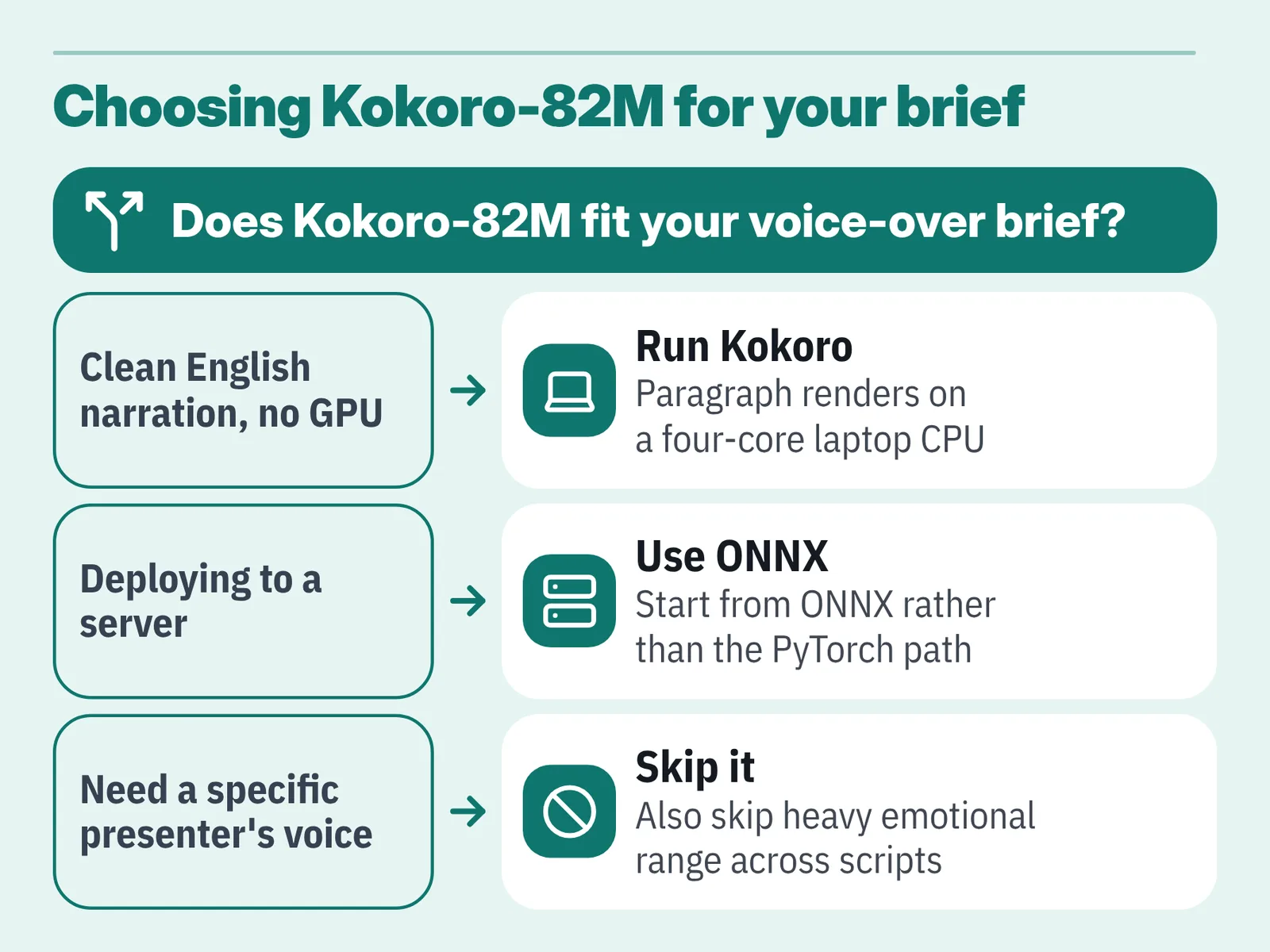
Practical hardware guidance: a recent four-core laptop CPU is enough for paragraph-length renders, and a discrete GPU mainly buys you batch throughput rather than better audio. If you are deploying to a server, start from the ONNX build rather than the PyTorch path.
Fits you if: you produce English course modules or explainer voice-overs and want a clean, repeatable voice without a GPU budget.
Skip it if: your brief requires the cloned voice of a specific presenter, or heavy emotional range across a long dramatic script.
2. Piper
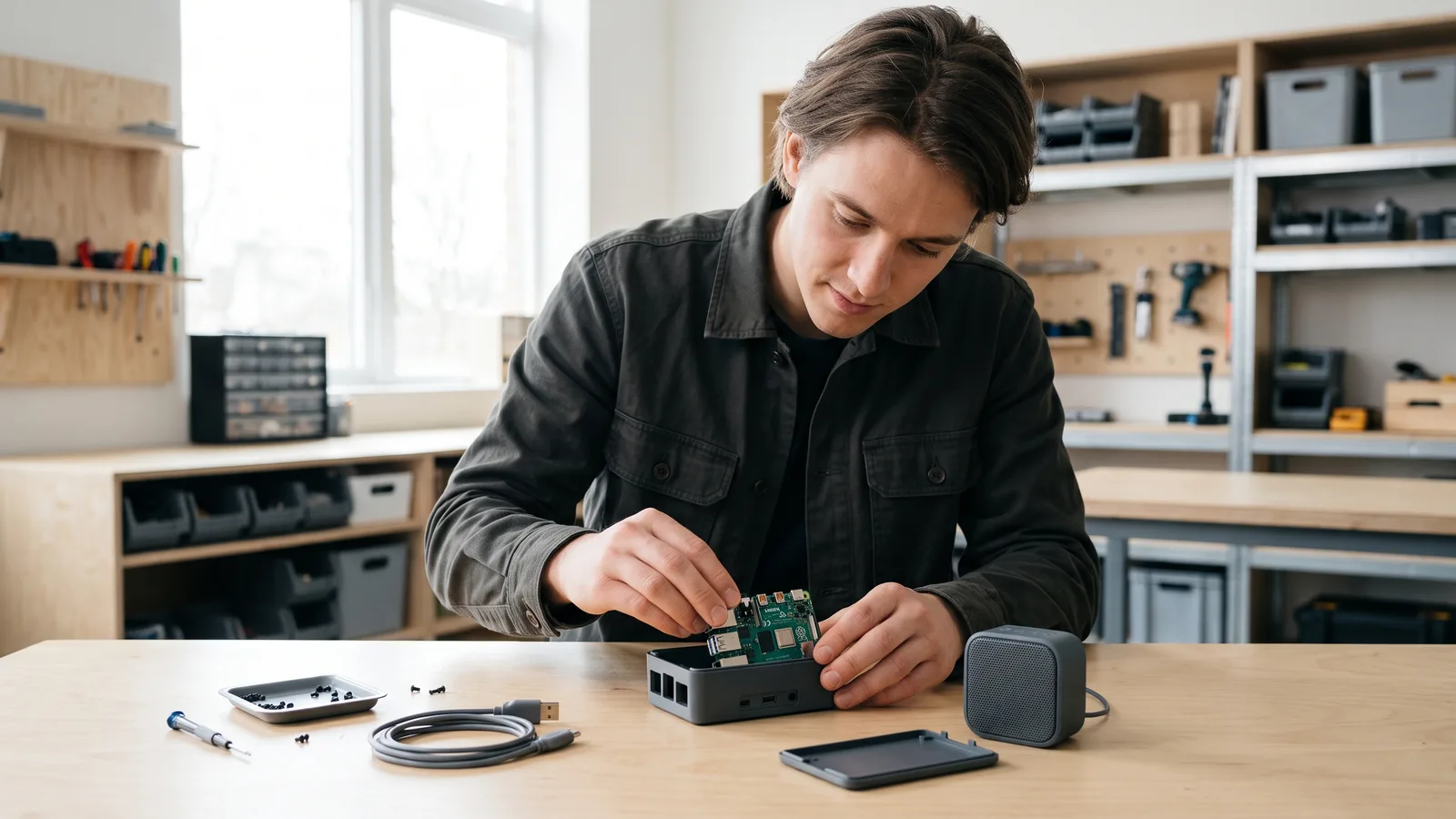
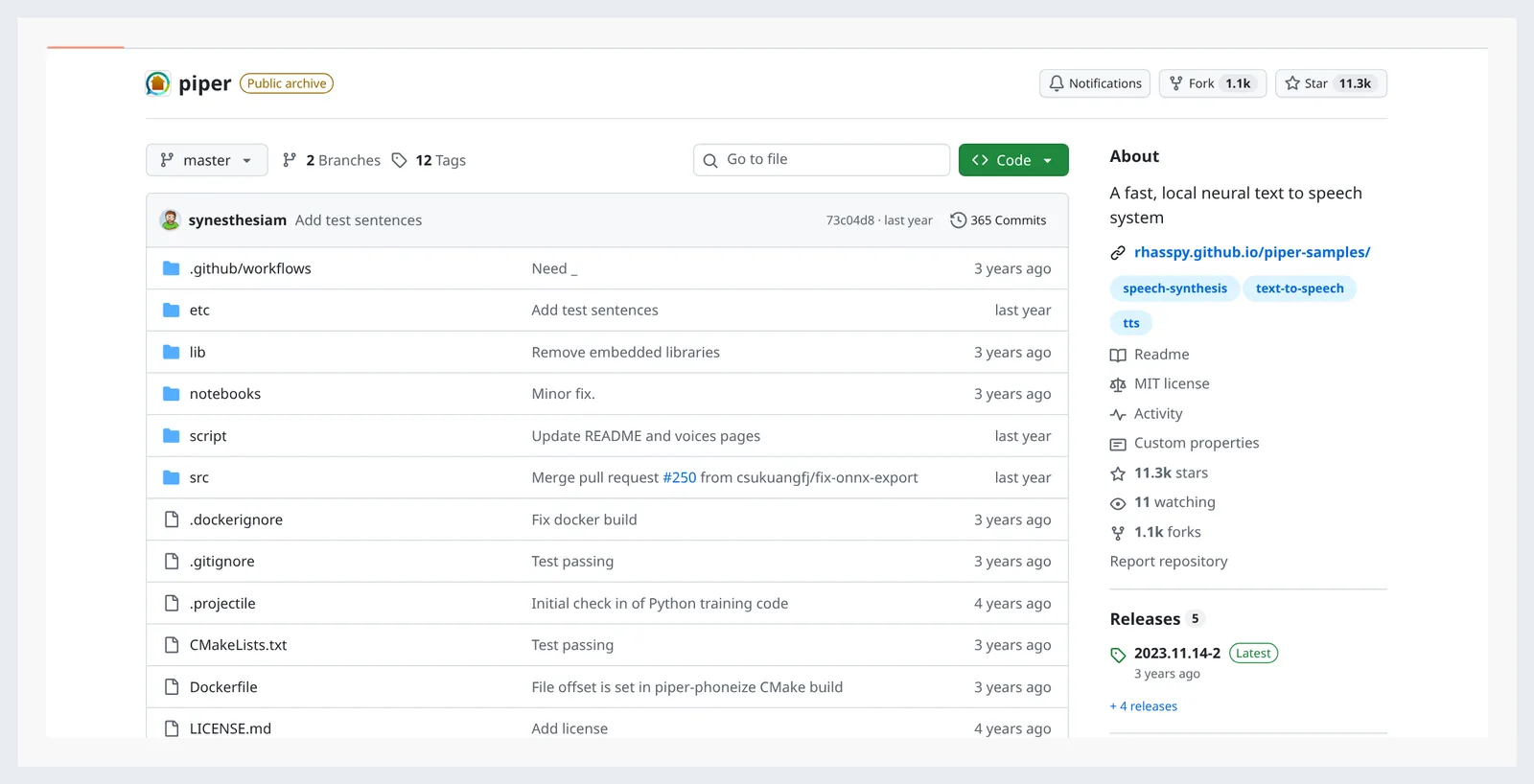
Piper is the engine to pick when the target machine is small, offline and always on. Piper describes itself as a fast, local neural text-to-speech system optimized for the Raspberry Pi 4, according to the rhasspy/piper project README. That focus shapes everything else about it: small voice models, fast startup, no Python environment required at runtime.
Piper publishes prebuilt binaries for amd64 desktop Linux, arm64 for the 64-bit Raspberry Pi 4, and armv7 for 32-bit Raspberry Pi 3/4 boards, per the piper1-gpl CLI documentation. Match the binary to your board before you compile anything — most install problems start there.
Voices ship as paired model and config files, so you can keep three or four voices on a device and switch per request. Kiosks, museum guides, home automation announcements and accessibility readers are the natural homes for this.
Fits you if: you need speech on a device with no reliable internet, a small SD card and a strict power budget.
Skip it if: you are producing marketing narration where listeners will judge warmth and phrasing against a human read.
3. Coqui XTTS-v2
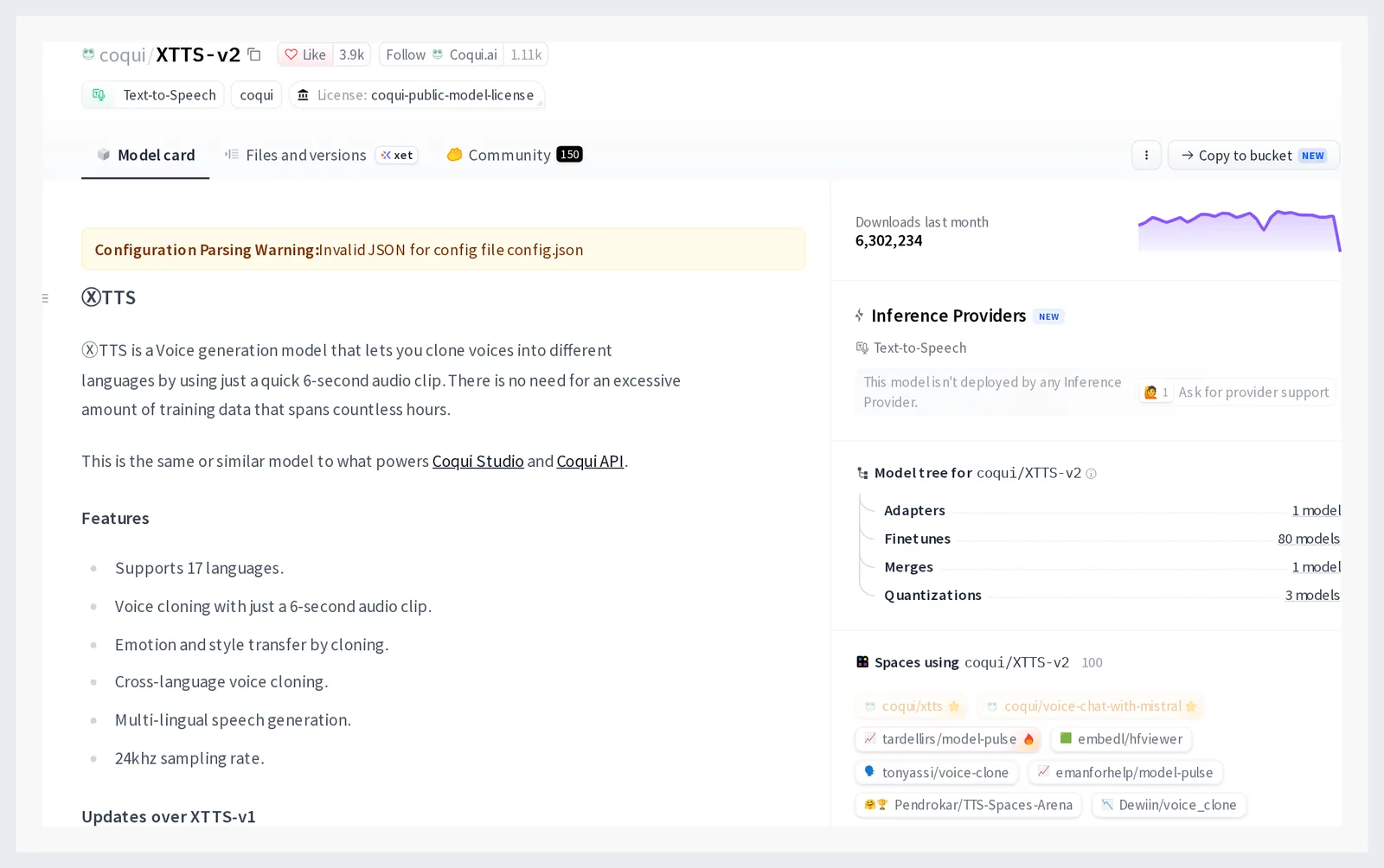
XTTS-v2 earns its place on language breadth and cloning in one package. The official Coqui TTS documentation lists 17 supported XTTS-v2 languages, including Arabic, Chinese, Czech, Dutch, English, French and German. One reference clip of a speaker can carry that speaker across those languages, which is the whole point for a localization manager juggling markets.
Hardware is the trade. Treat a consumer GPU with 8 GB or more of VRAM as your planning floor for comfortable render times — that is a budgeting rule, not a published spec, and CPU-only inference works but turns long scripts into overnight jobs.
Read the license on the official model card before any commercial release; do not assume it matches Kokoro’s Apache 2.0 grant. Documentation and packaging now sit under the community-maintained coqui-tts project, so pin a version and keep your own copy of the weights.
If you are weighing this against outsourcing, the trade-offs in how video translation services compare on cost and turnaround are the right benchmark.
Fits you if: one presenter’s voice has to appear in many languages and you control a GPU.
Skip it if: your legal team needs an unambiguous permissive license on day one.
4. Chatterbox
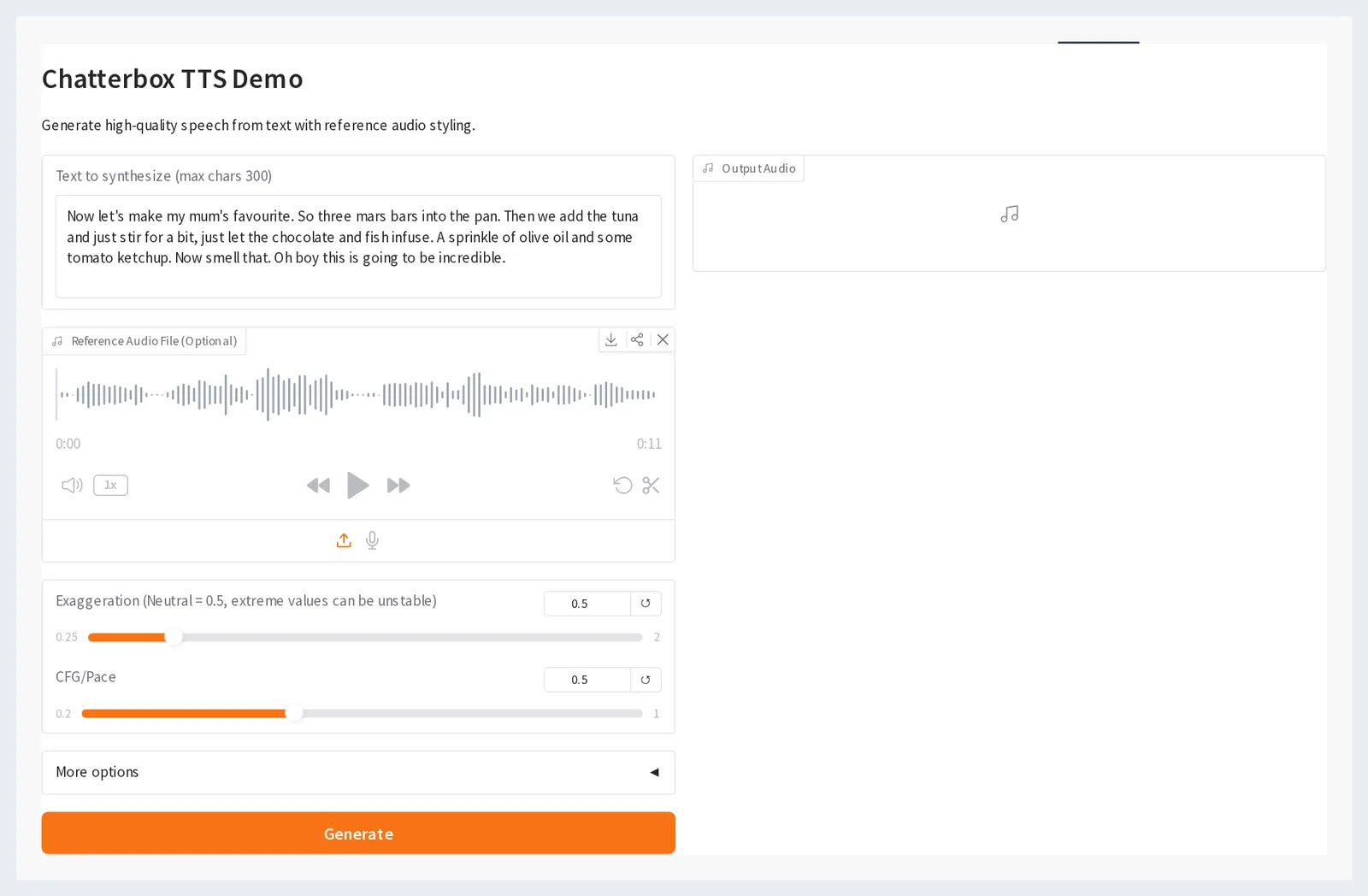
Chatterbox, released as open weights by Resemble AI, is the expressive option in this group. It does zero-shot cloning from a short reference clip and exposes a control for how strongly the delivery is exaggerated, which is useful for character reads, trailers and anything that sounds dead when read flat. Verify the current license and watermarking behavior on the official model card before you publish commercially.
Plan for a GPU. Expressive models are heavier than Kokoro by a wide margin, and CPU inference is a debugging path rather than a production one. A gaming card in a workstation is usually enough for scripted segments under a few minutes.
Script quality decides most of the result. Write for breath and emphasis, not for the page — the structure in a 60-second explainer voice-over script example transfers directly to prompt-driven TTS.
Fits you if: you need character voices or emotionally varied reads and you have a GPU to spare.
Skip it if: you need wide non-English coverage, or you cannot get written consent from the person whose voice you would clone.
5. eSpeak NG
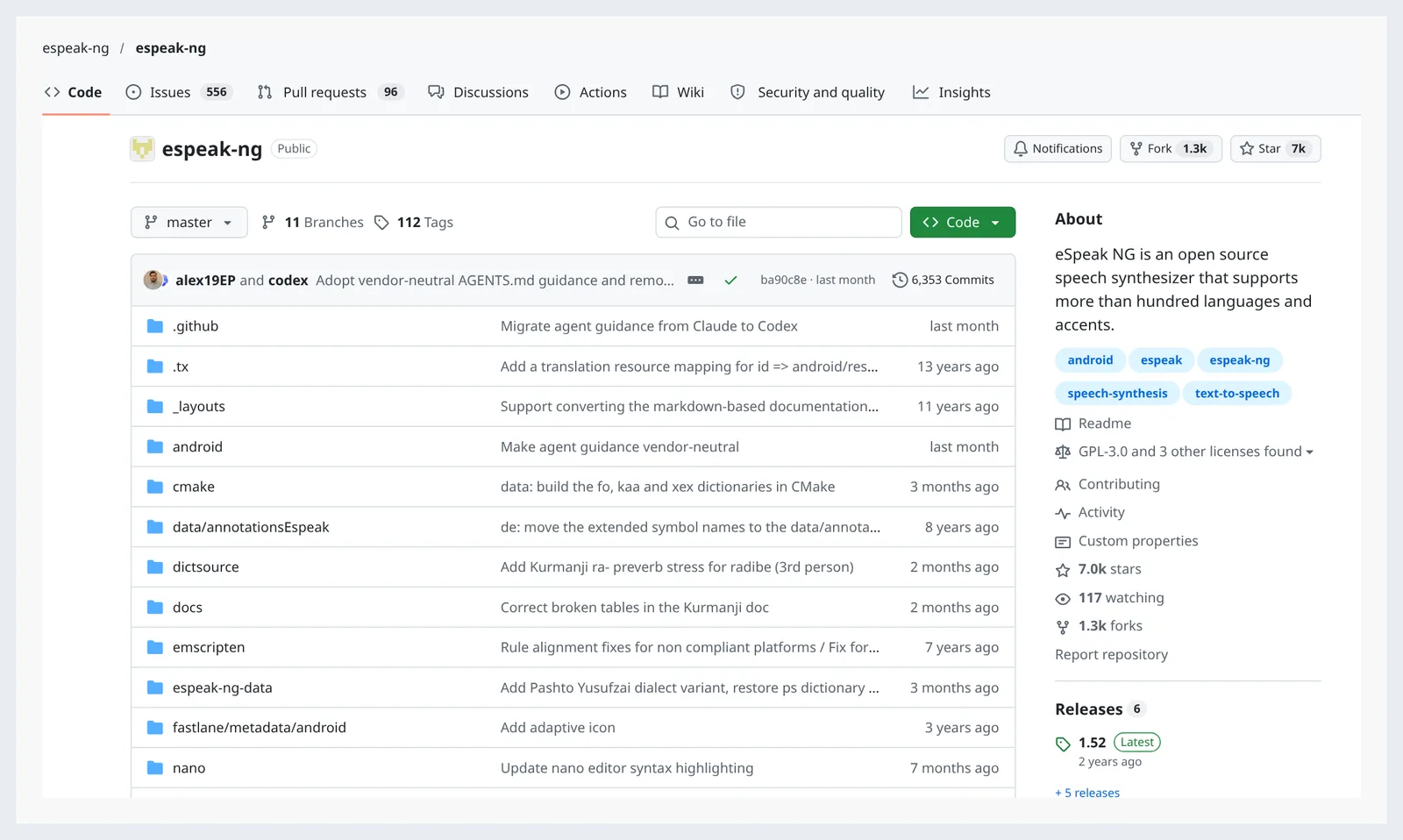
eSpeak NG is not trying to sound human, and that is why it still matters. It is a compact formant synthesizer that runs on practically any CPU, including hardware far below a Raspberry Pi, and it speaks a very wide set of languages including many that neural models ignore entirely.
Its bigger role is invisible. Kokoro’s licensing is split — Apache 2.0 weights, MIT inference code, and a GPLv3 dependency on espeak-ng that localization teams must account for, according to the Kokoro-82M README on Hugging Face. eSpeak NG often sits inside modern stacks as the phonemizer, so its license travels with your build whether or not you chose it.
Phoneme-level control is the practical payoff for anyone tuning pronunciation, and it matters most in languages where pitch and accent carry meaning, as the detail in this pitch accent guide for Japanese text to speech shows.
Fits you if: you need an accessibility fallback, a pronunciation debugging tool, or speech on hardware with kilobytes to spare.
Skip it if: the audio is customer-facing and anyone will judge it as a voice-over.
6. MeloTTS
MeloTTS rounds out the list as a multilingual CPU option that sits between Piper’s bluntness and XTTS-v2’s hardware appetite. The project targets real-time synthesis on CPU and ships fixed speakers across several languages, with mixed Chinese-English text handled in one pass — a genuinely awkward case for most engines. Confirm the repository license before shipping, since community forks vary.
Use it where you need batch narration in more than one language and your render box has no GPU. A nightly job that turns 40 lesson scripts into draft audio is a good fit; a cloned brand voice is not.
Quality sits below the expressive GPU models and above formant synthesis. Test it on your worst sentence — long clauses, numbers, product names — rather than on a clean demo paragraph, because that is where fixed-speaker models reveal their pacing limits.
Fits you if: you localize short instructional content into several languages on CPU-only infrastructure.
Skip it if: you need voice cloning or fine control over emotion and emphasis.
Which one fits you
Match the engine to the constraint that will not move: your hardware, your license tolerance, or your language list.
| If this is you | Then start with |
|---|---|
| English e-learning narration on a laptop, no GPU | Kokoro-82M |
| Speech on an offline kiosk, Pi or embedded device | Piper |
| One presenter’s voice across many languages | Coqui XTTS-v2 |
| Character reads and expressive delivery, GPU available | Chatterbox |
| Accessibility fallback or pronunciation debugging | eSpeak NG |
| Multilingual batch drafts on CPU-only servers | MeloTTS |
Two checks before you commit. Run your real script, not a demo sentence, and run it in the worst conditions you expect — background music bed, 1.1x playback, phone speakers. Then trace every license in the stack, because a GPLv3 phonemizer sitting under Apache 2.0 weights changes what you can ship in a closed product.
Cloning raises a separate question. Get written permission from the speaker before you clone a voice, and check the rules that apply to you: voice-likeness protections differ by country and, in the United States, by state. This is general information, not legal advice.
If the output still sounds synthetic after all that, the fix is usually editorial — shorter sentences, marked pauses, and a format decision, which is why the case for subtitles over dubbing in some audiences is worth reading before you scale a local pipeline.
Frequently asked questions
What hardware do I need to run free local AI text to speech?
It depends on the model. Kokoro has just 82 million parameters and runs on CPU-class hardware, according to its Hugging Face model card, while Piper targets the Raspberry Pi 4 per the rhasspy/piper README. Cloning models like XTTS-v2 and Chatterbox are far happier on a consumer GPU.
Which local model supports the most languages?
Among the neural options here, Coqui XTTS-v2 is the broadest: the official Coqui TTS documentation lists 17 supported XTTS-v2 languages, including Arabic, Chinese, Czech, Dutch, English, French and German. eSpeak NG covers more languages overall, but with formant-synthesis audio quality rather than neural naturalness.
Can I use these models commercially for free?
Check each layer separately. Kokoro’s README on Hugging Face documents Apache 2.0 weights, MIT inference code and a GPLv3 dependency on espeak-ng that localization teams must account for, and NVIDIA’s ONNX-optimized Kokoro-82M build is also published under Apache 2.0. Other projects ship custom model licenses, so read the card before release.
Is local TTS actually cheaper than a cloud API?
The license cost is zero, but compute and setup are not. Convert both options to cost per rendered minute: local CPU inference costs electricity and seconds, GPU inference costs GPU-hours, and the first install plus voice testing realistically takes an engineer half a day. Below a few hours of audio per month, a hosted service often wins.
How do I pick between Kokoro and Piper for a product?
Decide by target device. Piper publishes prebuilt binaries for amd64 desktop Linux, arm64 Raspberry Pi 4 and armv7 Raspberry Pi 3/4 boards, per the piper1-gpl CLI documentation, so it suits embedded and offline hardware. Kokoro, at 82 million parameters, is the better pick for natural English narration rendered on a laptop or server.
Sources
This article was drafted with AI assistance and published by the Dubbing AI Editorial Team after its facts were checked against the sources listed above.