AI dubbing sounds robotic for three reasons: translated lines don’t fit the original timing, synthetic prosody flattens emphasis and pauses, and audio drifts from lip movement. Fix it with length-aware translation, per-segment voice edits, and a visual sync pass.
What people actually mean by "bad" AI dubbing: the robotic-dub problem defined
Robotic dub (definition): a translated voice track that stays intelligible but arrives mistimed, flat in pitch, and out of step with the speaker’s mouth and gestures.
Reviewers describe a failed dub in four recurring ways:
- Rushed or stretched lines. The voice sprints through a sentence, then sits in silence while the person on screen is still talking.
- Flat delivery. Every sentence lands on the same pitch contour, so a question, a joke and a safety warning all sound the same.
- Mouth mismatch. Lips close on a /p/ while the dubbed audio is halfway through a vowel.
- Wrong voice identity. A senior engineer gets a bright, youthful read, or one voice covers three different speakers in a panel.
Translation accuracy rarely tops that list. Teams that pull apart a rejected dub usually find the words were right and the performance was wrong. That split matters, because the repairs live in different places. Wording is a script problem you fix in a text editor; timing, prosody and sync are rendering problems you fix with settings, segment-level edits and a sync pass before export.
How AI dubbing works in three stages: transcription, length-aware translation, voice synthesis
Every dubbing tool you can buy today runs the same three-stage pipeline, and each stage introduces its own failure mode.
Stage 1 — Transcription and diarization
Speech recognition turns the source audio into text with word-level timestamps, then diarization splits it by speaker. Errors here are quiet but expensive: a missed speaker change sends two people’s lines to one synthetic voice.
Stage 2 — Translation with a length constraint
The translator does not just translate. It has to produce a line that can be spoken inside the gap the original speaker left. Without that constraint, you get accurate sentences that physically cannot fit.
Stage 3 — Voice synthesis and mixing
A text-to-speech or voice-cloning model renders each segment, and the mixer places it against the original music and effects bed.
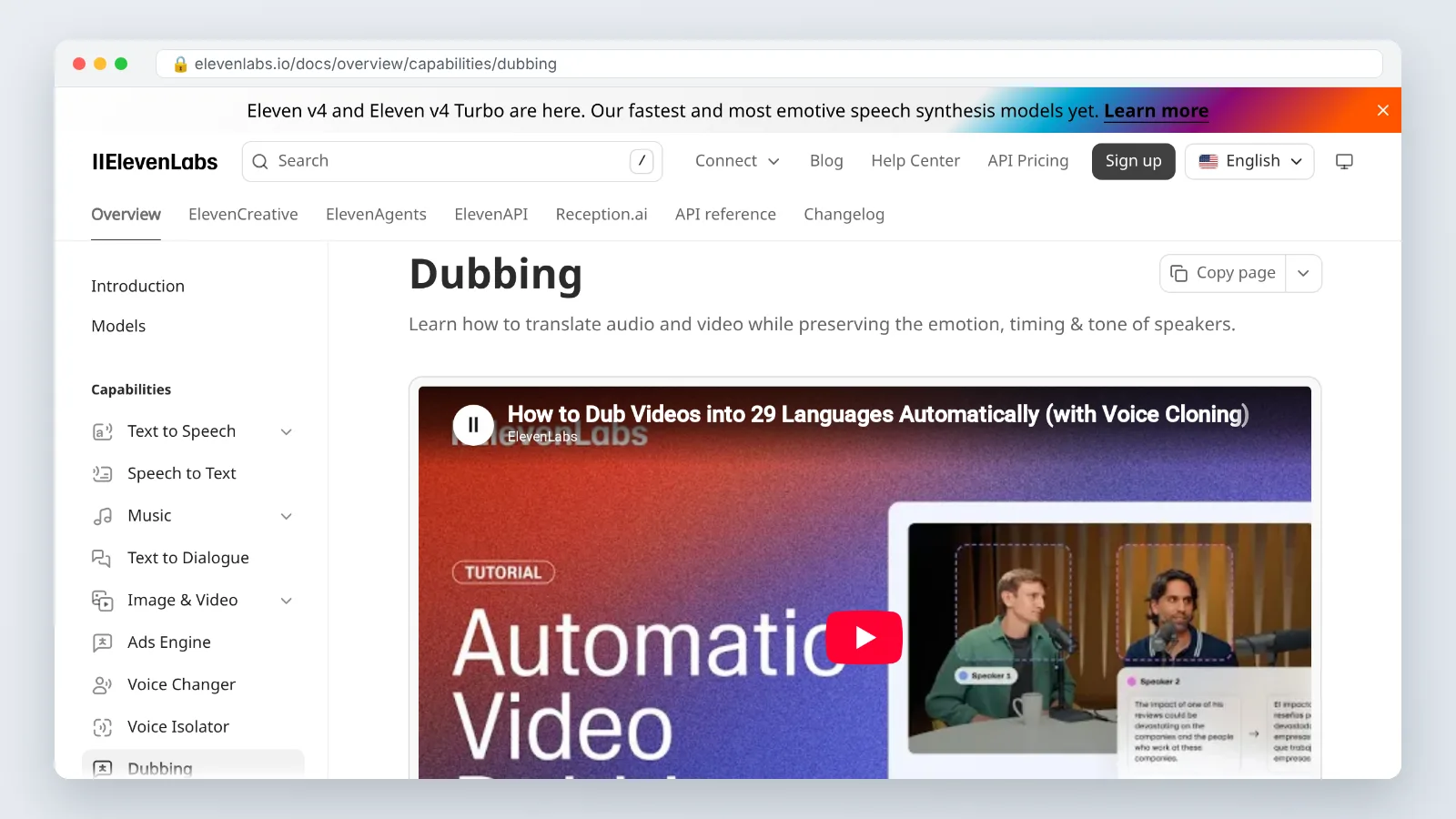
ElevenLabs’ official dubbing documentation states that its dubbing translates audio and video across 90+ languages while preserving the emotion, timing and tone of each speaker. Treat claims like that as the design goal of the pipeline, then verify stage by stage on your own footage.
Cause 1: timing and isochrony — why translated lines never fit the original gaps
Isochrony is the match between when the original speaker talks and when the dubbed voice talks. It breaks because languages expand and contract at different rates: an English line translated into Spanish, German or Hindi often needs more syllables, while Korean or Japanese renderings can land shorter.
The synthesizer then has two bad options — speak faster, or spill past the gap. Both read as robotic.
In professionally dubbed media, speech overlap between the original and dubbed audio averages about 0.658 (mean) and 0.731 (median), the benchmark the IWSLT 2024 dubbing track measures systems against, according to the Findings of the IWSLT 2024 Evaluation Campaign. Perfect overlap is not the target, and chasing it produces chipmunk speech.
What actually fixes timing:
- Turn on duration-matched or length-aware translation if your tool exposes it.
- Rewrite the translated line, not the speed setting, whenever a segment runs more than a beat long.
- Split run-on source sentences into two segments before translation so the model gets two gaps instead of one.
- Cap time-stretching at a level where the voice still sounds unhurried; past that, re-script.
- Write the source script with dubbing in mind — shorter clauses, fewer nested asides.
Cause 2: flat prosody and lost emotion — what the model drops and which settings restore it
Prosody is pitch movement, emphasis, rhythm, breath and pause. Synthesis models predict an average-sounding version of all of these, and averages sound bored.
The first things to disappear are contrastive stress (we ship Tuesday, not they), micro-pauses before a punchline, audible breaths, and the dynamic range between a calm explanation and an urgent instruction.
Settings and edits that bring expression back:
- Lower the stability or consistency slider. High stability buys you predictability and costs you range. Expressive reads sit lower.
- Regenerate per segment, not per file. Most flat lines are fixed by re-rolling one segment with adjusted settings.
- Punctuate for performance. Commas, em dashes and paragraph breaks change phrasing; a full stop mid-sentence often lands the emphasis you want.
- Insert explicit pauses before the key clause rather than hoping the model finds it.
- Pick a voice with range for the content type. A warm narration voice will not carry a sales demo.
- Keep diarization on so each speaker keeps a distinct voice and register across the whole video.
Check the result with your eyes closed. If you cannot hear where the emphasis falls, the viewer cannot either.
Cause 3: lip sync — the drift tolerances broadcasters use, and when you need a visual model
Lip sync is a separate problem from timing, and most dubbing products do not solve it at all. ElevenLabs’ product documentation confirms that lip sync is not part of its Dubbing product and is only available in other products via third-party models — a useful reminder to check what your vendor actually renders before promising a client mouth-accurate output.
Broadcast tolerances give you a usable target:
| Condition | Threshold | Source |
|---|---|---|
| Audio leads video, viewers detect it | more than 35 ms | Broadcast engineering study, TV Tech |
| Audio lags video, viewers detect it | more than 100 ms | Broadcast engineering study, TV Tech |
| Sound advance, subjectively annoying | 40 ms | Earlier CCIR test data, TV Tech |
| Sound delay, subjectively annoying | 160 ms | Earlier CCIR test data, TV Tech |
A broadcast engineering study found that viewers detect sync errors once audio leads video by more than 35 milliseconds or lags it by more than 100 milliseconds, as reported by TV Tech. Earlier CCIR test data classed a 40 millisecond sound advance or a 160 millisecond sound delay as subjectively annoying even on uncritical material, also reported by TV Tech.
You need a visual lip-sync model when the speaker’s mouth fills a meaningful part of the frame for several seconds. You do not need one for voice-over on b-roll, screencasts, over-the-shoulder shots, or anything where the face is small, turned, or cut away from quickly.
AI dubbing vs. human dubbing (and vs. subtitles): where each one still wins
These three are not competitors so much as different budgets for different risks.
| AI dubbing | Human dubbing | Subtitles | |
|---|---|---|---|
| Turnaround | Same day for most libraries | Booking, casting, studio time | Fastest |
| Emotional range | Improving, still narrow on extremes | Highest | Carried by the original actor |
| Lip sync | Needs a separate visual model | Adapted by the director | Not applicable |
| Best fit | Courses, explainers, product video | Drama, brand film, children’s content | Documentary, interviews, low budget |
| Main risk | Flat prosody, timing drift | Cost and scheduling | Viewers who won’t read |
Measurement is catching up on the sync question: IWSLT 2024 evaluated dubbing lip sync with PEAVS, an automatic audio-visual synchrony metric scored on a 5-point scale and trained on human judgements, according to the Findings of the IWSLT 2024 Evaluation Campaign. Metrics like that are why vendor demos improved quickly on sync and more slowly on performance.
Pick subtitles when the original performance carries the meaning. Pick a human dub when the voice is the product. Pick AI dubbing when you have fifty videos and one month.
A settings checklist to fix timing, emotion and lip sync before you publish
Run this before anything leaves your drive. Each step takes minutes and catches a different failure.
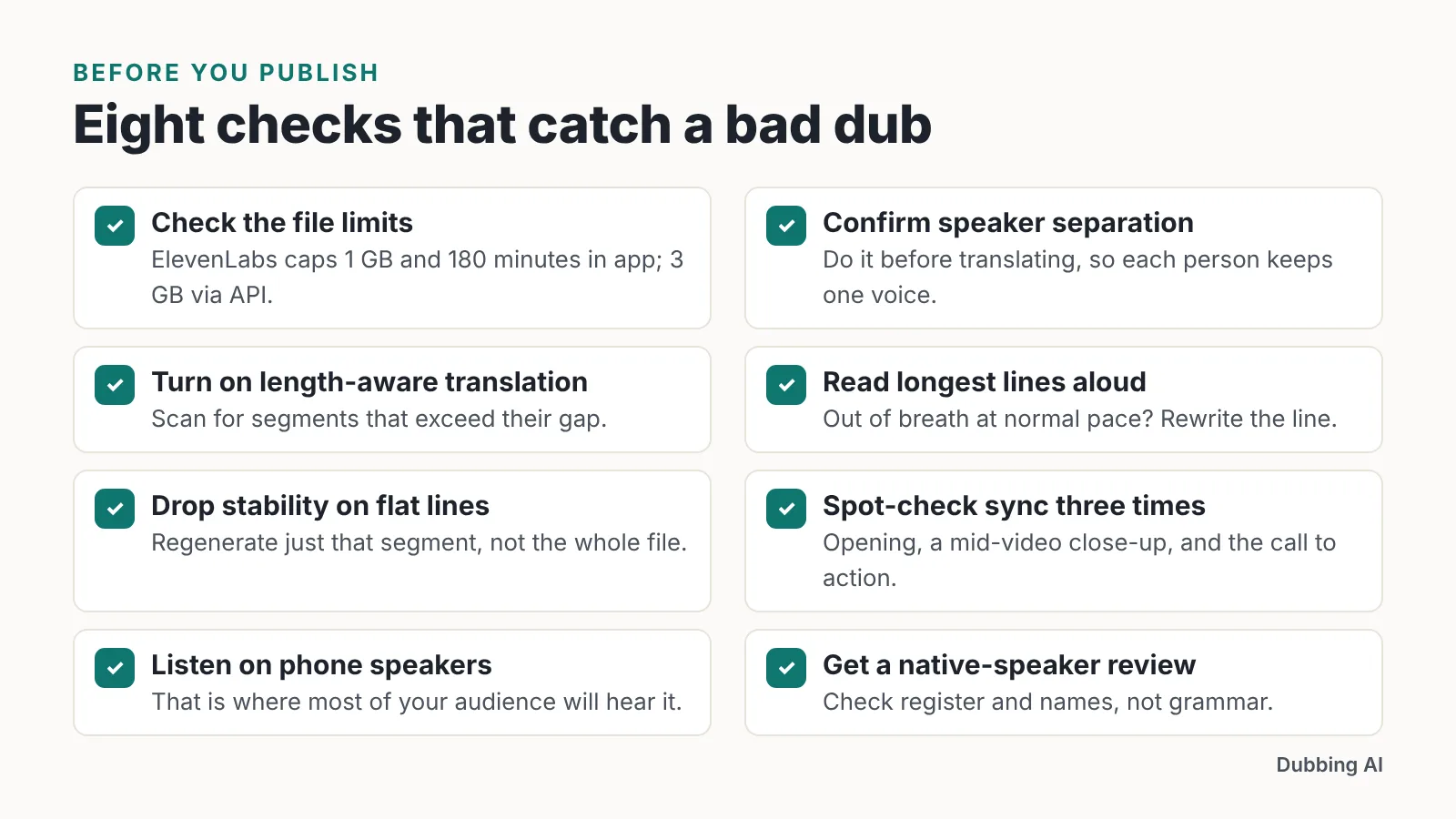
- Check the source file against the platform’s limits. ElevenLabs caps dubbing uploads at 1 GB and 180 minutes in the app, or 3 GB per source file via the API, according to its dubbing documentation; other tools publish their own ceilings.
- Confirm speaker separation before you translate, so each person keeps one voice.
- Turn on length-aware translation and scan for segments that exceed their gap.
- Read the three longest translated lines aloud at a normal pace. If you run out of breath, rewrite them.
- Drop the stability setting on any segment that sounds flat and regenerate just that segment.
- Spot-check sync at three points — opening, a mid-video close-up, and the call to action.
- Listen on phone speakers, which is where most of your audience will hear it.
- Have a native speaker review register and names, not grammar.
Eight checks, one pass. Skipping step 4 is the single most common reason a dub ships sounding rushed.
Where AI dubbing is good enough today: courses, explainers, product and marketing video
AI dubbing holds up well where the voice informs rather than performs. Compliance training, onboarding modules, software walkthroughs, feature announcements and conference recaps all survive a synthetic read, because viewers are there for the information and the camera rarely sits on a close-up mouth.
It holds up badly on scripted drama, emotional testimonials, comedy timing and anything with children’s voices.
If your source material is a script rather than existing footage, generating the video and the localized audio together avoids the sync problem entirely. AI Studios by DeepBrain AI combines avatar video creation, text-to-video, dubbing, text-to-speech and generative AI tools in one workspace, with more than 1,000 AI voices across its plans. Text-to-speech voiceovers are available in 150+ languages and accents on paid plans, and in 30+ languages on the Free plan — so a free-tier test may not cover the language you actually need.
The limitation is scope. A platform built around avatars and generated video is not the right tool when you must re-dub existing live-action footage of a real presenter and keep their face in frame; for that, a dedicated dubbing pipeline plus a visual lip-sync model, or a human dub, remains the safer route.
Frequently asked questions
Why does my AI dub sound rushed compared with the original speaker?
The translated line is longer than the gap it has to fit, so the synthesizer speeds up to catch the next timestamp. Fix it by shortening the translated text itself, splitting long source sentences into two segments, and enabling length-aware translation rather than raising the playback rate.
How much lip sync drift can viewers actually notice?
A broadcast engineering study found viewers detect sync errors once audio leads video by more than 35 milliseconds or lags it by more than 100 milliseconds, as reported by TV Tech. Earlier CCIR data in the same publication classed a 40 millisecond advance or 160 millisecond delay as subjectively annoying.
Does AI dubbing include lip sync by default?
Often not. ElevenLabs’ product documentation confirms that lip sync is not part of its Dubbing product and is only available in other products via third-party models. Check your vendor’s documentation before you promise mouth-accurate output on close-up talking-head footage.
Which single setting improves emotion the most?
Lowering the stability or consistency slider on the voice, then regenerating only the flat segments. High stability produces predictable, even delivery that reads as monotone; a lower value widens pitch range and restores emphasis, at the cost of needing more takes per line.
Should I use AI dubbing or subtitles for interview footage?
Subtitles usually win for interviews and documentary material, because the original speaker’s voice carries credibility and hesitation that synthesis flattens. Use AI dubbing when the content is instructional — courses, product walkthroughs, explainers — where viewers need their eyes on the screen, not on text.
Sources
This article was drafted with AI assistance and published by the Dubbing AI Editorial Team after its facts were checked against the sources listed above.